 Direct answer
What are Ludo tokens?
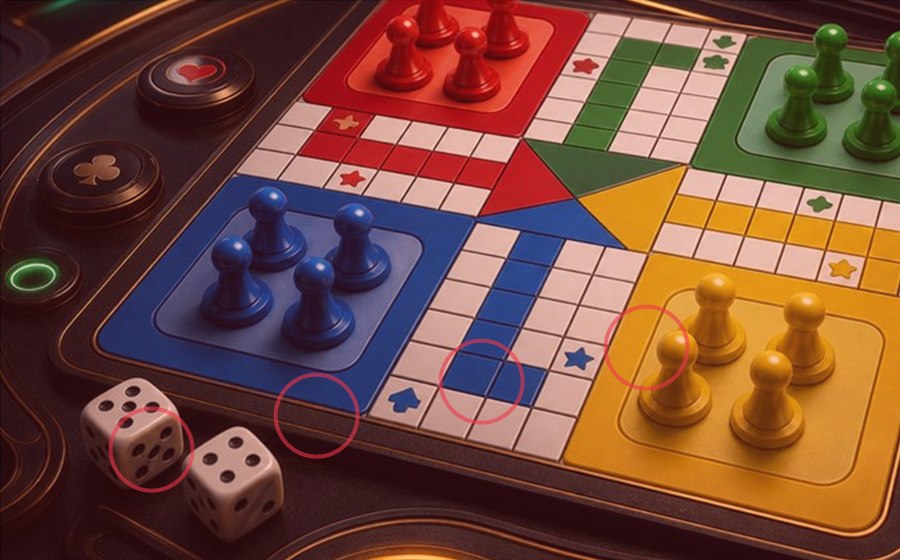
Ludo tokens are the four playing pieces assigned to each player. A token normally begins inside its colour base, enters the shared track after the required dice result, moves by the number rolled, and finishes only after travelling through its own coloured home path. A room may change the entry roll, extra-turn rule, capture rule or number of tokens, so the visible room rules always take priority.
 Starting a token
Check the entry roll before moving
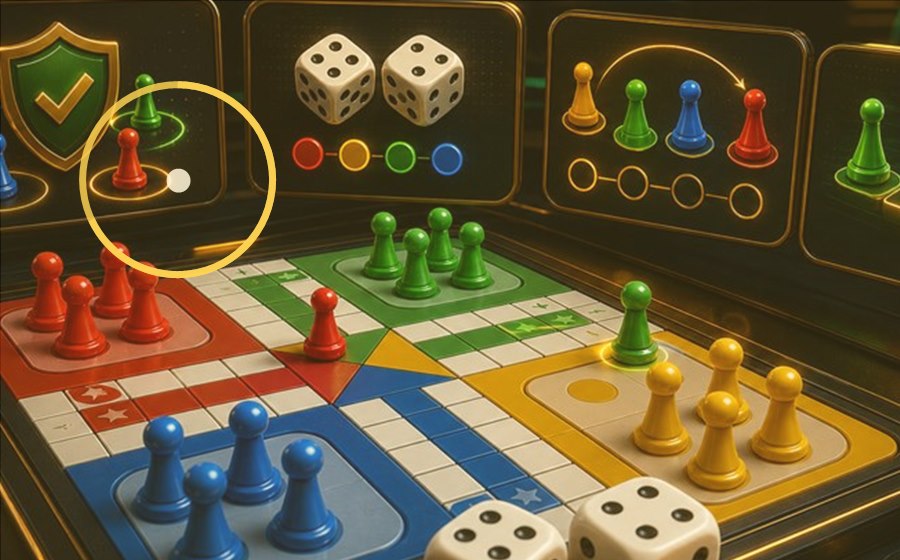
In many familiar rule sets, a player needs a six to move a token out of the base. Some quick or custom rooms use a different entry condition. Before the first turn, read the room label and confirm whether a six gives an extra roll, whether repeated sixes have a limit, and whether the game can start with fewer than four tokens.
 Movement
Move one token by the exact dice count
A legal move follows the numbered path by the exact number shown on the die. When more than one token can move, the highlighted choices indicate available actions, not a recommended result. Check which token is selected before confirming, especially when a short timer or animation makes two pieces look similar.
 Captures
Safe squares and occupied spaces need separate checks
Landing on an opponent's token may send that token back to its base, but safe squares and stacked-token rules can prevent a capture. A star, shield, colour block or other icon may mark a protected position. Do not assume that every room uses the same symbol or that two tokens on one square always create a blockade.
FinishingThe home path usually requires an exact roll
After a token completes the shared track, it enters the home path that matches its colour. Many versions require the exact remaining count to reach the final home space. If the roll is too high, that token may be unable to move. The player normally finishes after all required tokens reach home, but quick rooms can use a shorter condition.
Reading the boardUse a five-step token check
- Confirm the room name and variant.
- Read the dice result and turn marker.
- Identify every token the screen allows you to move.
- Check safe squares, captures and the home-path count.
- Confirm the selected token before the timer ends.
This order helps explain the screen; it does not predict the next dice result or guarantee an outcome.
Common termsLudo token terms in English
Token or piece: one coloured playing marker. Base or yard: the starting area. Track: the shared route around the board. Safe square: a protected space where captures may be restricted. Capture: sending an opponent's token back to base. Home path: the final coloured route. Exact roll: the precise number needed to finish a move.
QuestionHow many tokens are used in Ludo?
Traditional Ludo gives each player four tokens. A digital room may offer a shorter mode with fewer active pieces, so verify the player count and room format before treating four tokens as a fixed condition.
QuestionCan two Ludo tokens share a square?
Some rule sets allow same-colour tokens to share a square or form a block; others handle the position differently. The board icon and room rules should explain whether the square is protected and whether another token can pass it.
QuestionDoes a highlighted token mean it is the best move?
No. Highlighting usually means the move is permitted by the current dice result. It is a screen-state cue, not advice and not a prediction. Compare all legal choices before selecting a piece.
 Continue reading
Connect token rules with the visible screen
Use Board Signals to identify turn markers, safe-square icons and timer prompts. Use App Check when a room asks for account or installation steps, and review Player Questions for common rule differences. If the screen does not explain a condition clearly, pause instead of treating animation or urgency as a rule.